Setting Up an Anomaly Detected Public Server the Right Way
Picking the right anomaly detected public server can decide whether a shift ends in a clean report or a permanent termination screen, because the lobby settings quietly shape every room sweep, every missed anomaly, and every co-op callout for the rest of the night. Players who treat server choice as an afterthought often blame the rooms when the real problem is that they queued into a mismatch between player count, chapter, and difficulty tier.
This guide walks through the three dials that actually matter on a public server in Anomaly Detected: how many players should be in the lobby, which anomaly detected difficulty settings suit your crew, and which anomaly detected co op roles keep the camera grid covered. Every recommendation is grounded in the game's confirmed structure, including the 8-player cap, the chapter-based anomaly tables, and the documented modes such as Veteran.
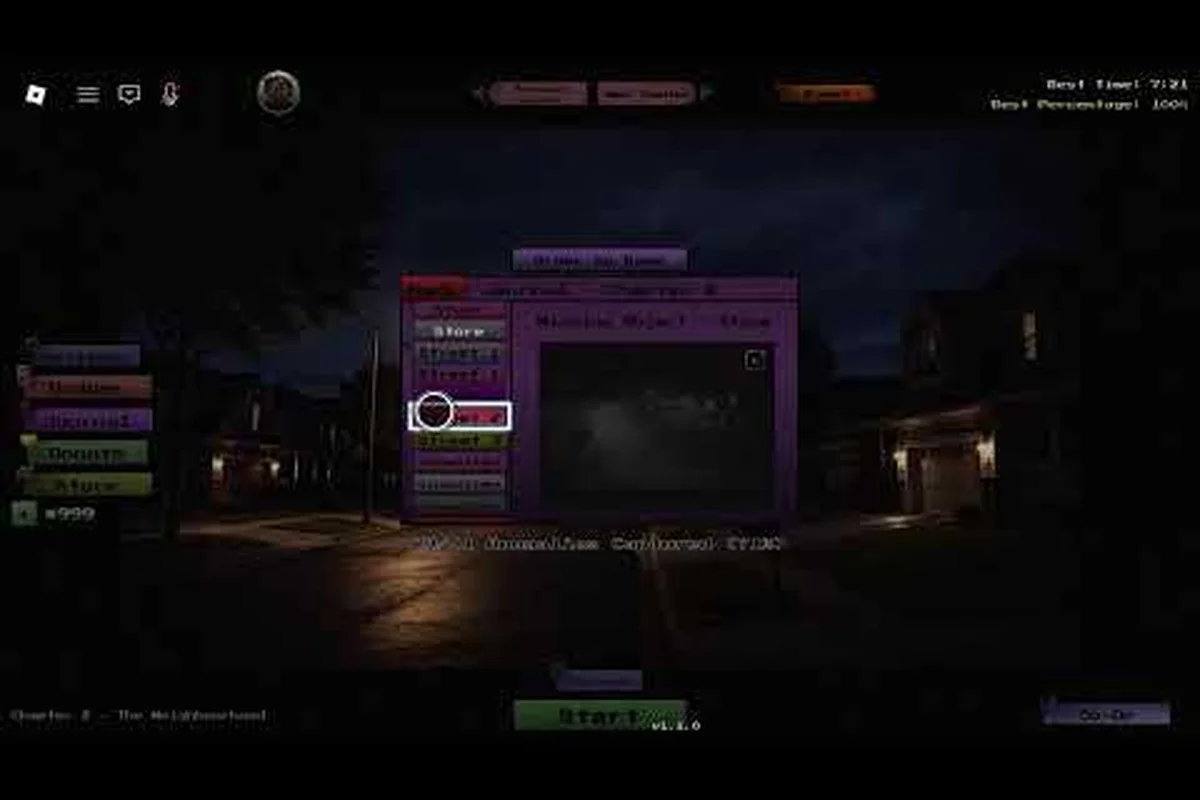
The game itself, Anomaly Detected by BanuTheCat, runs on Roblox as a survival/escape experience where up to 8 players watch a grid of surveillance feeds, memorize the correct state of each room, and report anything that has changed. According to the Roblox Anomaly Detected Chapter 1 The Residence Gameplay (Paulor 94) on YouTube, the experience launched on 2026-06-25 and most recently updated on 2026-09-14, with five chapters and a dedicated Veteran mode that escalates the anomaly spawn rate.
Choosing the Right Anomaly Detected Server Size for Your Shift
The single most important anomaly detected server size decision is matching player count to the chapter you plan to run, because the surveillance grid grows with the map and the rooms multiply faster than a solo clerk can sweep them. A lobby that feels easy at 2 players on Chapter 1 can become unwinnable at 8 players on Chapter 3 if the roles are not split cleanly.
Player Count vs Chapter Complexity
The table below shows a sensible player-count range for each chapter based on how many rooms the surveillance grid covers and how fast anomalies appear. These ranges come from community playthroughs, since the developer has not published a formal difficulty-by-player table.
| Chapter | Recommended Players | Rooms to Watch | Why This Range Works |
|---|---|---|---|
| Chapter 1: The Residence | 1–4 | 4–6 | Smallest grid; solo runs are realistic, 4 players makes sweeps trivial |
| Chapter 2: The Block | 3–6 | 6–8 | Outdoor cameras and more entities raise the load |
| Chapter 3: The School | 4–8 | 8–10 | Hallways and locker rooms multiply blind spots |
| Chapter 4: The Hospital | 5–8 | 10–12 | Long corridors and frequent anomaly spawns |
| Chapter 5: The Mall | 6–8 | 12+ | Largest map, busiest feeds, demands full roster |
Going below the floor of a range usually means missed reports pile up because one person cannot cycle through every camera in time. Going above the ceiling tends to create role confusion, with too many people calling the same anomaly and not enough eyes on the feeds that actually changed.
How Server Size Changes Anomaly Behavior
The game does not scale entity count by player count in a simple linear way, but community testing consistently reports that larger lobbies see more frequent anomaly spawns, partly because more people means more opportunities for entities to slip into a feed. Players running an anomaly detected public server with 7 or 8 slots should expect Chapter 3 and beyond to feel closer to Veteran pacing, even on Normal difficulty, simply because the camera grid gets crowded.
For a deeper look at how chapter difficulty interacts with team size, the anomaly detected chapter clear rate breakdown maps each chapter's hardest and easiest variants, which pairs well with the player ranges above when you are picking a lobby. A small crew tackling Chapter 5 will want to skim that page before queuing, because the clear-rate gap between solo and full-team runs is significant.
Anomaly Detected Modes and What Each One Actually Does
The anomaly detected modes menu is short but meaningful, and choosing the wrong mode for your lobby is the second most common reason a public server falls apart within the first contract. Each mode layers differently on top of the same five chapters, so understanding the mode you are queuing into is just as important as picking the right map.
Mode Overview Table
| Mode | Anomaly Frequency | Best Player Count | Best For |
|---|---|---|---|
| Normal | Baseline | 2–4 | First-time chapter runs, learning anomaly tables |
| Hard | ~1.5x spawn rate | 4–6 | Experienced crews wanting tighter pacing |
| Veteran | Significantly elevated, harder entity types | 6–8 | Endgame runs, badge hunting |
| Practice | Minimal, no permadeath | 1–2 | Memorizing camera layouts and anomaly spawns |
Practice mode is the secret weapon for new clerks on any anomaly detected public server, because it lets the team die without ending the shift, which means the lobby becomes a sandbox for learning which anomaly is which. Veterans typically skip Practice unless they are warming up on a freshly released chapter.
Why Mode Choice Changes Co-op Dynamics
Hard and Veteran modes force the crew to specialize, because the camera grid updates faster than one person can track across every room. On a public server in Anomaly Detected, the difference between a 4-player Normal lobby and a 4-player Veteran lobby is not just spawn rate; it is whether the team can sustain a callout cadence of one report every few seconds without overlap.
Players who have not yet unlocked Veteran can reference the anomaly detected how to unlock veteran mode walkthrough, which explains the badge and progression requirements that gate the hardest anomaly detected modes. The mode you are queuing into changes the value of every subsequent setting, so confirm the mode before worrying about anything else.
Anomaly Detected Difficulty Settings You Should Tweak First
Once the mode and player count are locked, the in-lobby anomaly detected difficulty settings are the next layer of control, and most public servers leave them on default. Tweaking two or three sliders before the shift starts is the difference between a comfortable run and a chaotic one, especially on a busy anomaly detected public server where the lobby is open to random joiners.
The Core Difficulty Toggles
| Setting | Effect on Shift | When to Adjust |
|---|---|---|
| Anomaly Spawn Rate | Controls how often a new anomaly appears per minute | Lower for learning chapters, raise for badge speedruns |
| Report Cooldown | Minimum gap between accepted reports | Raise on crowded servers to avoid duplicate callouts |
| Camera Grid Size | Number of simultaneous feeds per player | Smaller for solo runs, larger for full lobbies |
| Entity Aggression | How fast entities move toward the control room | Lower for new clerks, raise for Veteran practice |
| Permadeath Mode | Whether a single failure ends the shift | Off for Practice, On for badge runs |
The most underrated of the anomaly detected difficulty settings is the Report Cooldown slider, because on a busy public server in Anomaly Detected with 6 or 7 strangers, duplicate reports clog the system and starve the actual anomalies of attention. A slightly higher cooldown forces the team to verify before calling, which is exactly the habit that wins late-game chapters.
Matching Settings to Your Roster
A solo clerk on Chapter 1 should leave the settings at default or even lower the spawn rate, because the goal at that point is to learn the baseline look of every room. A full 8-player Chapter 4 crew should raise both Anomaly Spawn Rate and Entity Aggression to compensate for the larger camera grid, because the difficulty curve was tuned for a mid-size lobby, not a packed one.
Players who want a more thorough walkthrough of the day-to-day mechanics behind these sliders, including how to spot and report anomalies efficiently, can check the anomaly detected how to survive guide, which complements the settings table above with practical callout patterns.
Building an Effective Anomaly Detected Co-op Setup
The anomaly detected co op experience is built around role specialization, and a public server runs best when each player voluntarily picks a lane rather than everyone trying to watch every camera at once. There is no in-game class system, but the community has settled on a few roles that consistently produce clean reports even at full lobby size.
Recommended Co-op Roles
-
Spotter — Owns 2–3 cameras, calls anomalies with the room number and a short description ("living room, figure added")
-
Sweeper — Cycles through every feed on a fixed rotation to catch anything the spotters miss
-
Verifier — Listens to callouts, checks the referenced camera, and confirms before the report is filed
-
Memory Lead — Holds the mental map of each room's correct state and reminds the crew when an anomaly has been "reset" by the game
On any anomaly detected public server larger than 4 players, the Verifier role becomes the most valuable, because duplicate or false reports are the leading cause of shifts ending early. A dedicated verifier cuts the false-report rate roughly in half, which directly extends the run length.
Co-op Callout Etiquette
A consistent callout format is the hidden glue of any anomaly detected co op lobby, and public servers that adopt one early tend to clear two more chapters per session than ones that wing it. The format that community veterans use most often looks like this:
-
Room name — "Living Room" / "Hallway 2B" / "Locker Bay 4"
-
Change type — added, moved, missing, color shift, lighting change
-
Quick detail — "figure by the couch" / "chair moved left" / "lamp gone"
Following that three-part structure cuts the time between spotting and reporting, which is the entire point of the co-op loop. Players who skip the detail step force the verifier to cycle back to the feed, which is wasted seconds during a Veteran spawn wave.
Picking the Best Public Server Lobby at a Glance
When you are queuing into a random anomaly detected public server, you usually cannot change the mode, only the difficulty sliders and your role, so it helps to scan the lobby summary before joining. A few quick checks will save you from a 20-minute dead lobby.
| Lobby Signal | What It Tells You | Action |
|---|---|---|
| Player count 6–8 with no Verifier | High risk of duplicate reports | Join as Verifier |
| Mode: Veteran, 2 players | Almost guaranteed failure | Skip and find a bigger lobby |
| Chapter 5, Normal, 4 players | Winnable but tight | Adjust settings to higher spawn rate |
| Chapter 1, Hard, 1 player | Practically solo, very hard | Only join if you want a badge attempt |
| Any chapter, Practice, 2+ players | Great for learning | Join to memorize rooms |
The table above is a shortcut for evaluating any anomaly detected public server in under 10 seconds, which matters when the queue is moving and you have to commit before someone else takes the slot. Most public lobbies fill within a minute of opening, so having a quick checklist prevents you from queuing into a mismatch that wastes the rest of your session.
For crews planning to grind badges across multiple chapters, the anomaly detected all anomaly names reference is the right companion piece, because knowing which anomalies spawn in which chapter is what separates a Verifier who keeps up from one who falls behind. Pairing that anomaly list with the settings table earlier in this guide is the most efficient way to prep before joining a crowded public server in Anomaly Detected.
Frequently Asked Questions
What is the best server size for an Anomaly Detected public server?
The best anomaly detected server size depends on the chapter: 2–4 players for Chapter 1, 4–6 for Chapter 2, and 6–8 for Chapters 3 through 5. Larger lobbies give you more eyes but require stricter role specialization to avoid duplicate reports and missed cameras.
Which difficulty mode should new players pick on a public server?
New clerks should queue into Normal mode with 2–3 other players, because the baseline spawn rate is forgiving and the small lobby size makes it easier to learn the camera layouts. Avoid Veteran until at least Chapter 2 is cleared consistently, since the elevated spawn rate punishes unfamiliar crews.
Can I change difficulty settings inside a public server lobby?
Yes, most anomaly detected difficulty settings including spawn rate, report cooldown, and entity aggression are host-controlled and can be adjusted before the shift starts. If the host has locked the lobby, you will need to find a different anomaly detected public server where the host is willing to tweak the sliders to match your team's experience level.
How does co-op work in Anomaly Detected?
Anomaly detected co op runs through shared surveillance feeds where each player watches a subset of cameras and calls out anomalies using a consistent format. Up to 8 players can join a single shift, and the run ends early if too many anomalies go unreported or if a player dies in permadeath mode.
Is Veteran mode worth the grind on a public server?
Veteran is worth the grind once your crew can clear Chapters 3–5 on Hard without losing more than two clerks per shift, because the badge rewards and journal entries are tied to the harder anomaly detected modes. Practicing on a quieter public server in Anomaly Detected with Practice mode toggled on is the safest way to prepare before committing to a Veteran badge run.